Compare live rates
Enter your postcodes and the boxed size to see every carrier, sorted by cheapest or fastest.


Compare couriers to send a laptop safely. From £4.15, tracked and signed options, VAT included. Pack it right and quote in 30 seconds.
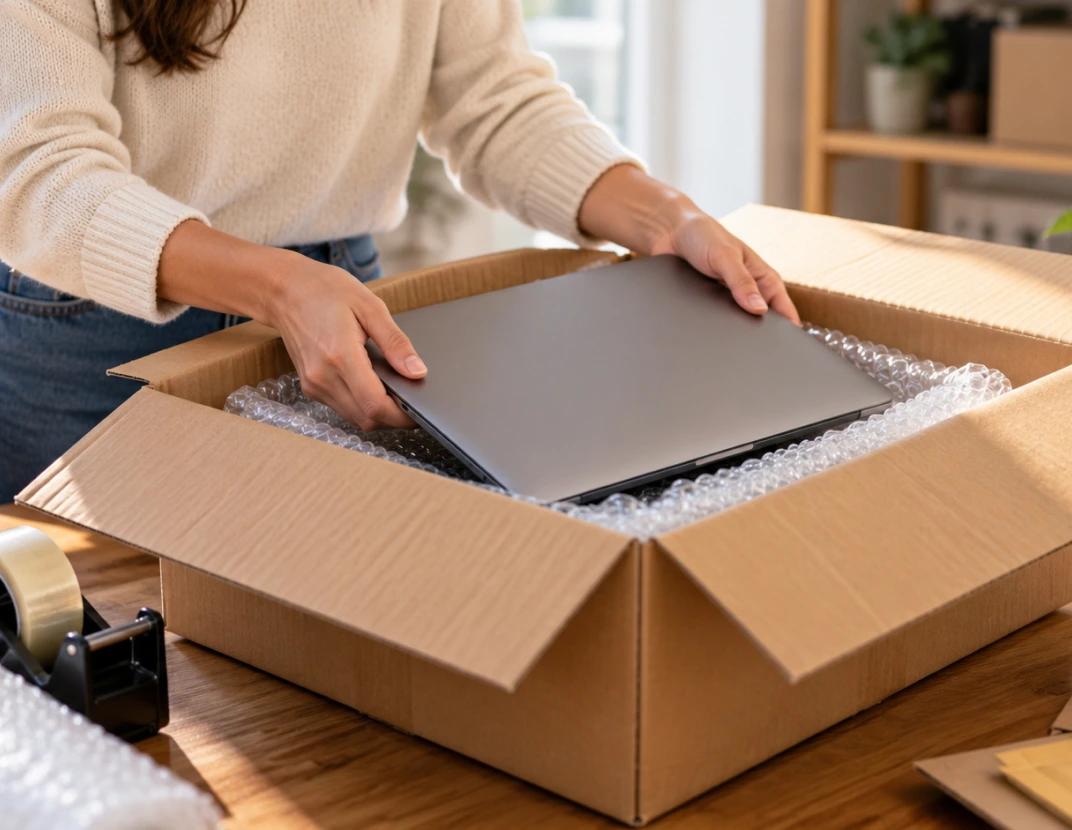
A laptop is small and light but fragile and valuable, so the aim is a fully tracked service with enough cover, packed so the screen and corners are protected. Boxed, a laptop is a small parcel under 2kg, which means it qualifies for the cheapest rates, from £4.15 on economy. ParcelMatch compares every carrier that handles small parcels, including Royal Mail, Evri, DPD and UPS, so you can see the cheapest and fastest tracked options in one search, with VAT included and no account needed to compare or book. Whether you have sold a laptop online, are returning one for repair, or are sending a machine to a family member, the same careful approach applies.
For something valuable, the choice is less about price and more about tracking and cover, both of which ParcelMatch shows against each quote. A signed-for service adds a delivery signature for a little more, which is worth it for an expensive machine. Comparing in one place lets you weigh a slightly dearer service with better cover against the cheapest rate, so you pay for protection only where it is warranted.
A boxed laptop under 2kg is a small parcel, so prices start from £4.15. Here is how the main service types compare, with live figures from the quote engine.
Price follows the larger of the actual and volumetric weight, so a snug box keeps you in the cheapest band.
For a laptop, the small extra for a signed-for or higher-cover service is usually worth it.
The signed option at £7.12 gives you a name on delivery, which is the strongest proof of receipt if a buyer later disputes that the parcel arrived.
Good packing protects the screen and the corners, which are the weak points. Follow these steps:
Power the laptop down fully and remove any USB sticks or accessories that stick out.
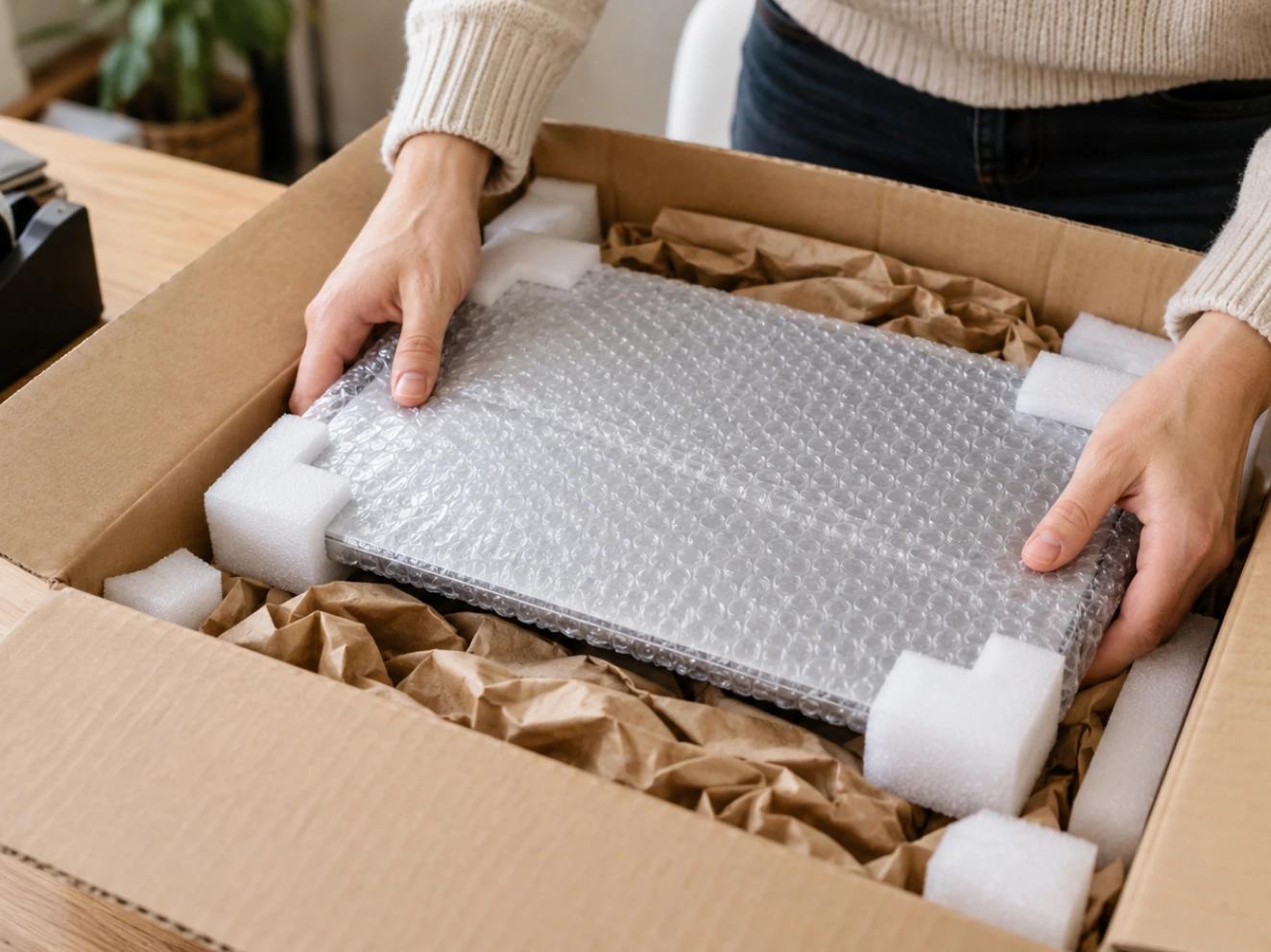
Wrap the laptop in anti-static or bubble wrap, with extra padding over the screen and all four corners.
Use a double-walled box a little larger than the laptop, with at least 5cm of padding on every side.
Fill every gap with foam or air cushions so the laptop cannot move when the box is shaken.
Tape all the seams firmly with the H-taping method, and mark the box fragile.
Attach the label flat and clear of any seams or edges.
Most laptop damage in transit comes from a handful of easy mistakes. Sending the machine in its original retail box alone is a common one, as that packaging is designed for shelf display, not for being thrown around a sorting hub, so always put it inside a sturdier outer box with padding. Posting in a padded envelope rather than a rigid box leaves the screen exposed to pressure cracks. Leaving the battery at full charge or packing loose cables against the screen can also cause harm, so coil cables separately and sit the laptop in the middle of the padding. Avoid writing "laptop" or a value on the outside, and never leave gaps that let the machine slide, as movement is what cracks screens and bends hinges.
You can post a laptop overseas on international tracked services from carriers such as DPD, UPS and Royal Mail, which ParcelMatch compares alongside domestic rates. Complete the customs declaration with an honest description and value, as laptops are commonly checked, and be aware the recipient may owe import duty or tax that is separate from the courier price. The lithium battery inside is usually fine when it stays fitted in the laptop, but shipping a spare battery loose is restricted, so leave it installed and keep the machine switched off.
A laptop is valuable, so check the standard cover on each service and add more to match the replacement value. Note that some couriers class electronics as a higher-risk item with cover conditions, so read the terms and keep proof of posting and the serial number. ParcelMatch shows the standard cover against each quote so you can choose a service with enough protection. A dated photo of the packed machine and its serial number makes any claim far simpler to settle.
If you are selling or returning the laptop, back up your files and sign out of your accounts before you send it. For a valuable machine, a signed-for service gives you a delivery signature as proof of receipt, which protects both sides. Where you are passing the laptop to a new owner, a full factory reset after the backup is the safest way to clear your personal data.
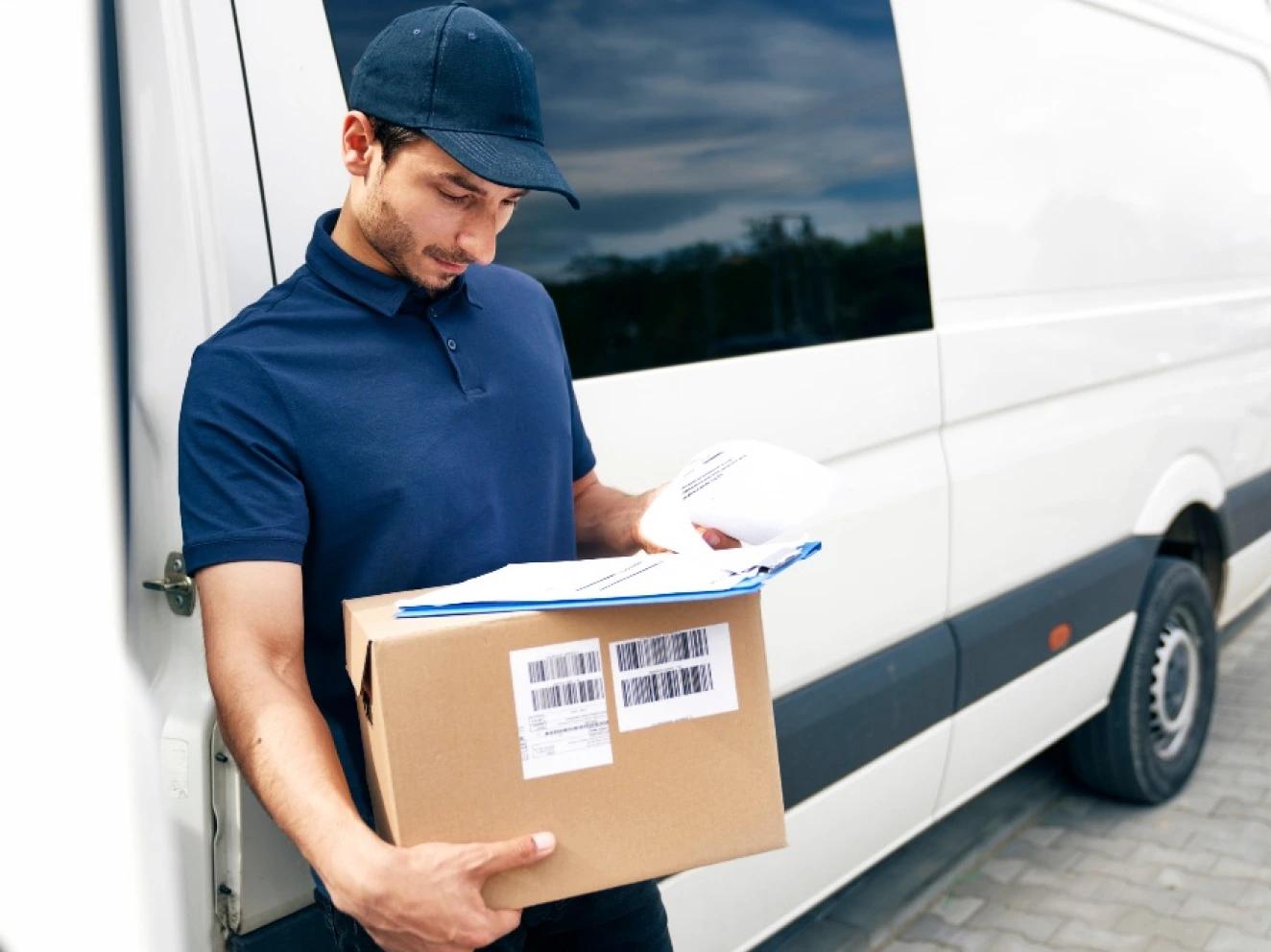
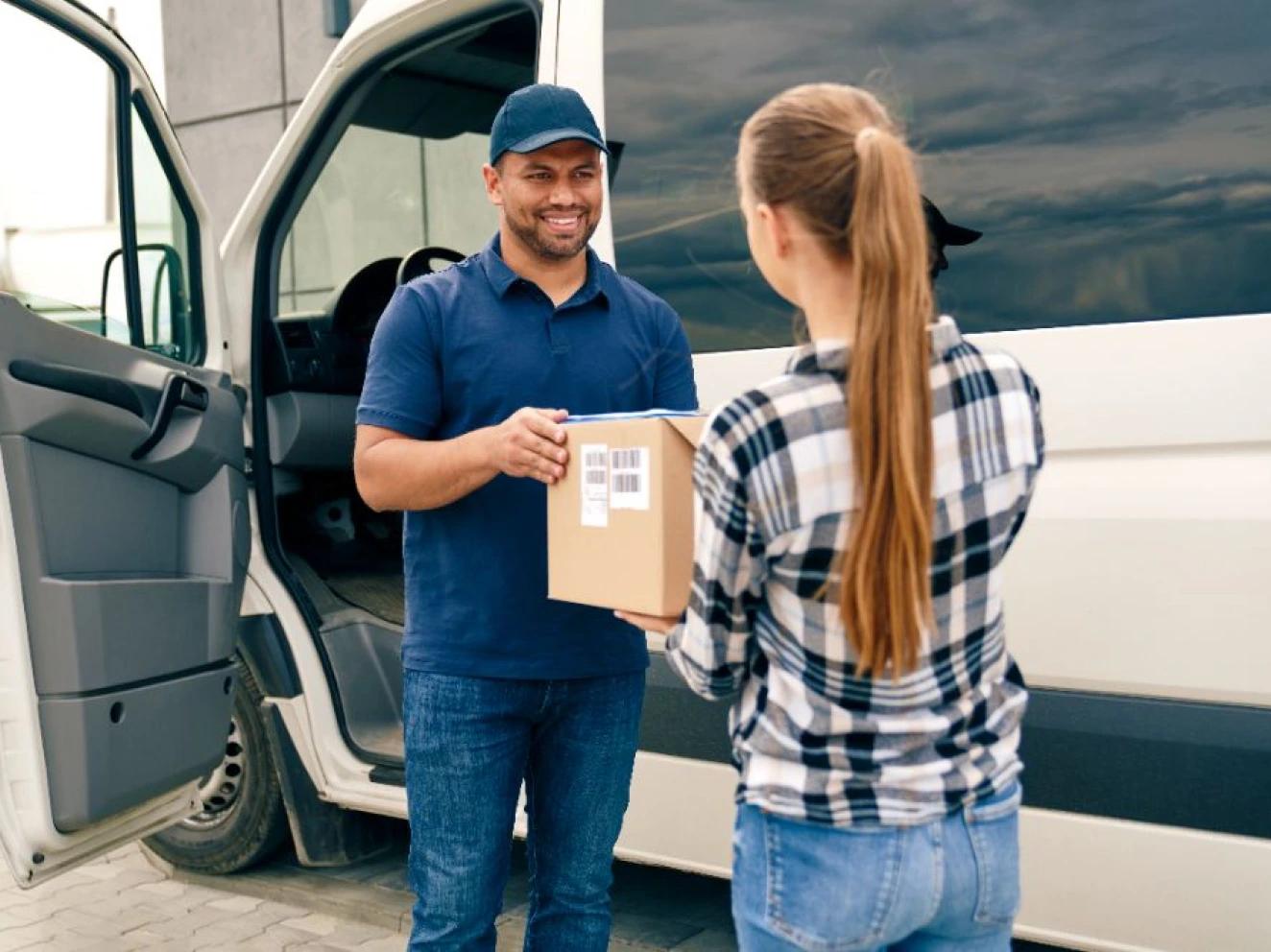
A boxed laptop is small, so dropping it at a local shop, Post Office or locker is easy and usually the cheapest option. A doorstep collection is available on most services for a little more if that suits you better. ParcelMatch shows both in your results.
| Courier | For a laptop |
|---|---|
| Royal Mail | Royal Mail is often cheapest and fully tracked for a small boxed laptop, with a signed-for upgrade. |
| DPD and UPS | DPD and UPS offer strong tracking and higher cover, good for valuable machines. |
| Evri | Evri is often cheapest on two-day tracked for everyday laptops. |
ParcelMatch shows which carriers quote your size and what each costs.
See all carriersEnter your postcodes and the boxed size to see every carrier, sorted by cheapest or fastest.
Pick a service, add the addresses and pay. Your label lands in your inbox straight away.
Leave it locally or book a collection, then track it on one page.
Two postcodes and the box size is all it takes, from £4.15 with VAT included.